
For Philippine-based clients
An agreed payment.
A familiar way to pay.
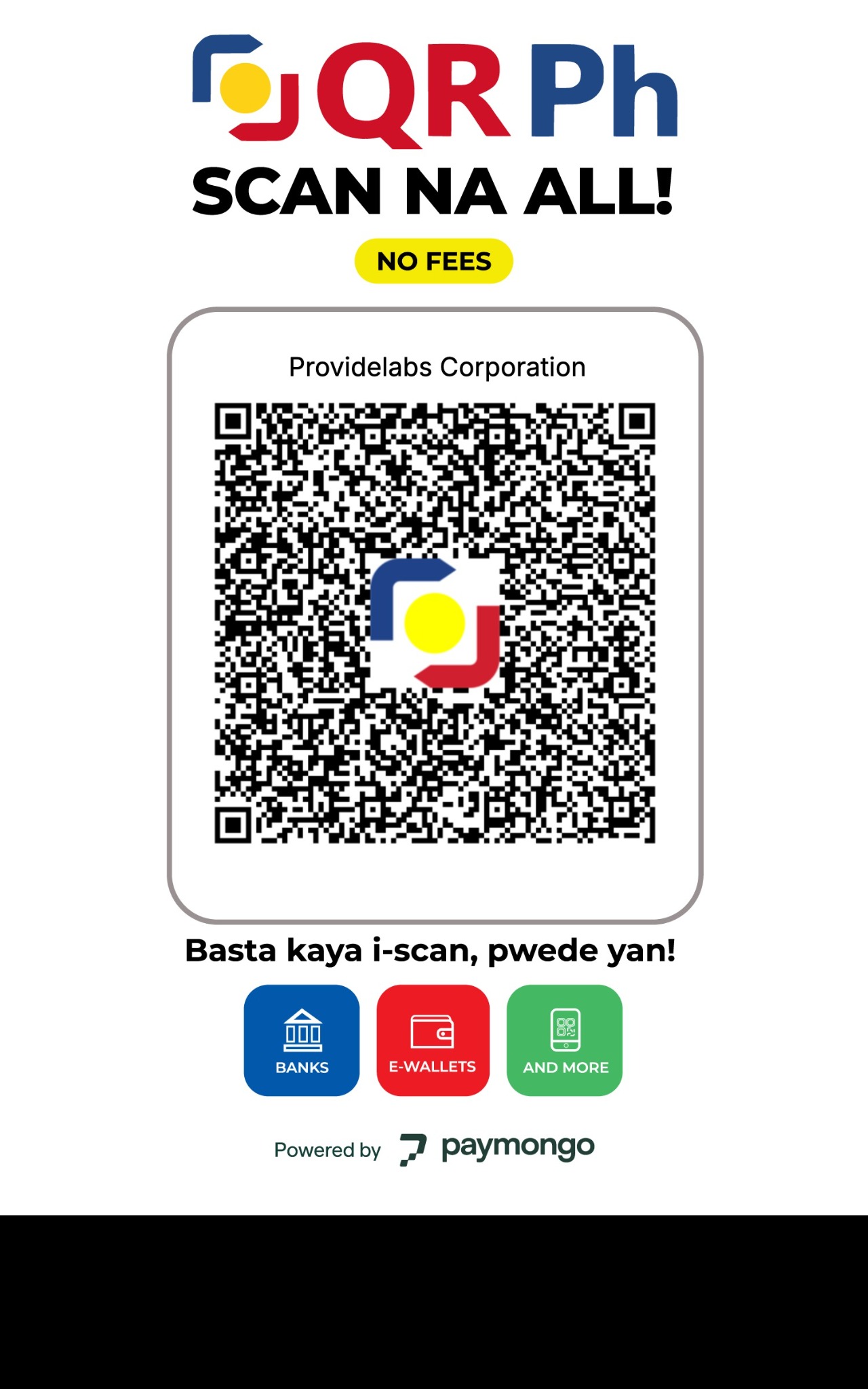
Use QR Ph for an agreed payment to Providelabs Corporation. Check your invoice and confirm the amount with our team before paying.
Before you confirm.
Check your invoice.
Confirm the service, amount and payment instructions with your Providelabs contact.
Scan or import the QR.
Open your bank or wallet app. Scan this code from another screen, or import the saved QR image if your app supports that feature.
Verify the recipient.
The payee should be Providelabs Corporation. Check the displayed amount and any fees before authorizing payment.
Keep your reference.
Send the transaction reference and invoice details to contact@providelabscorp.com so our team can reconcile the payment.
Use this QR only when your invoice or Providelabs contact directs payment to Providelabs Corporation.
This page displays payment instructions only. It cannot check your bank balance, initiate a payment, or confirm that funds were received. Confirmation comes from your payment app and the Providelabs team.
Let us work through it together
Need to confirm an amount?
Contact our team before sending a payment. Never share passwords or one-time passcodes.